Written by Jaspreet Singh
Author @ ITBlogs.ca
I’ll Be Honest — I Used to Think I “Had” Zero Trust
At one point, I genuinely thought:
“We have MFA enabled. We’re good.”
But the more environments I worked in — and the more things I broke in my own labs — the clearer it became:
Zero Trust isn’t something you enable. It’s something you practice.
And most of us (including me, earlier in my career) misunderstand it.
What Zero Trust Actually Means to Me Now
Forget the buzzwords.
To me, Zero Trust boils down to this:
Don’t blindly trust users
Don’t blindly trust devices
Don’t assume the network is safe
Always expect something to go wrong
That mindset alone changes how you design access.
Where I See IT Teams (And Past-Me) Going Wrong
1️⃣ “MFA Is Enabled, So We’re Secure”
I’ve walked into environments where:
MFA was enabled
Legacy authentication was still wide open
Service accounts had no protection
Trusted locations bypassed everything
On paper, it looked secure.
In reality, it wasn’t.
👉 MFA without enforcement is just a comfort blanket.
2️⃣ Trusting Devices Without Verifying Them
One thing I see all the time:
User signs in successfully
Device is personal
No compliance
No encryption
No health check
Identity alone isn’t enough.
If the device is compromised, Zero Trust is already broken.
3️⃣ Too Many “Temporary” Exceptions
Every environment has them:
“Exclude this admin for now”
“Exclude this IP, we’ll fix it later”
“Just bypass it for this app”
Months later, no one remembers why those exclusions exist — but attackers will find them.
What Actually Worked for Me
I stopped chasing tools and focused on fundamentals.
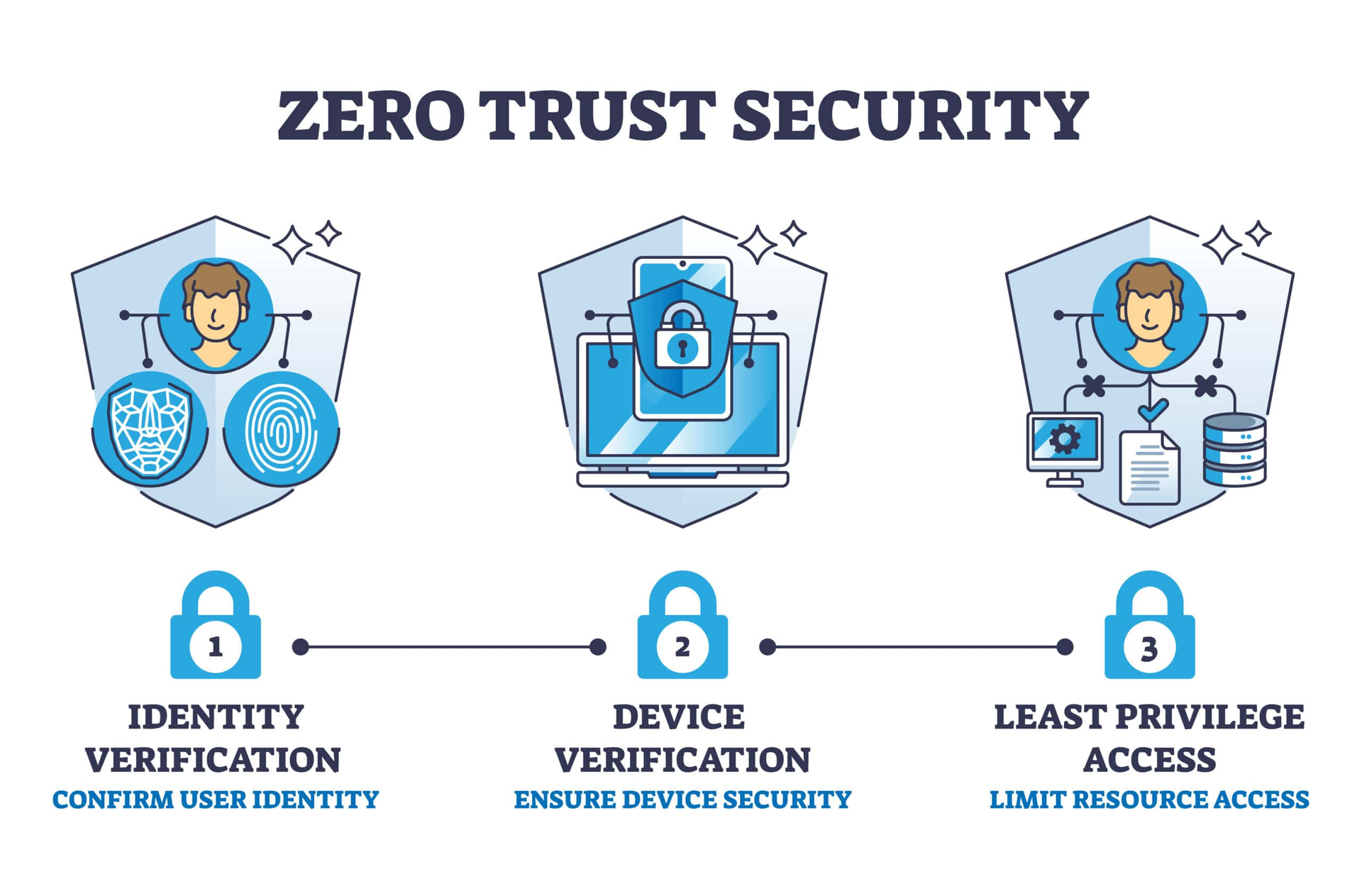
✅ Identity Comes First
MFA for everyone (yes, everyone)
Legacy authentication blocked
Fewer Global Admins
✅ Devices Must Earn Trust
Entra / Intune joined
Disk encryption enforced
OS and compliance checks
✅ Conditional Access Done Carefully
No blanket allow policies
Risk-based decisions
Session controls where needed
✅ Least Privilege by Default
No standing admin access
Just-in-time roles
Access reviewed regularly
This isn’t flashy — but it works.
Why I Keep Pushing Home Labs
I didn’t truly understand Zero Trust until I:
Locked myself out
Broke Conditional Access
Failed sign-ins repeatedly
Read logs instead of dashboards
Home labs taught me more than any exam guide ever did.
Breaking and fixing systems builds real confidence.
That’s why I always say:
Certifications help you get interviews.
Labs help you survive real jobs.
Zero Trust Isn’t a Project You Finish
There’s no checkbox that says:
“Congratulations, you’re Zero Trust now.”
Users change.
Devices change.
Threats evolve.
If your policies haven’t changed in a year, you’re probably trusting something you shouldn’t.
My Final Thought
If you’re starting or improving Zero Trust, don’t ask:
“Which product should we buy?”
Ask:
“What am I still trusting without proof?”
That question alone will take you further than any license upgrade.
I also break down these topics in short, practical videos on my YouTube channel and share day-to-day IT learnings on LinkedIn.
LinkedIn: Jaspreet Singh Linkedin profile
YouTube: IT Blogs by Jaspreet